
Photoshop and Illustrator Program
Description
Adobe Photoshop & Illustrator for Beginners
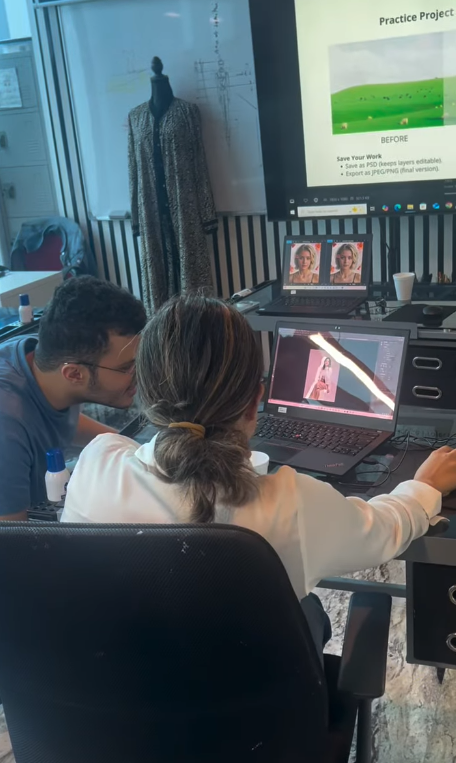
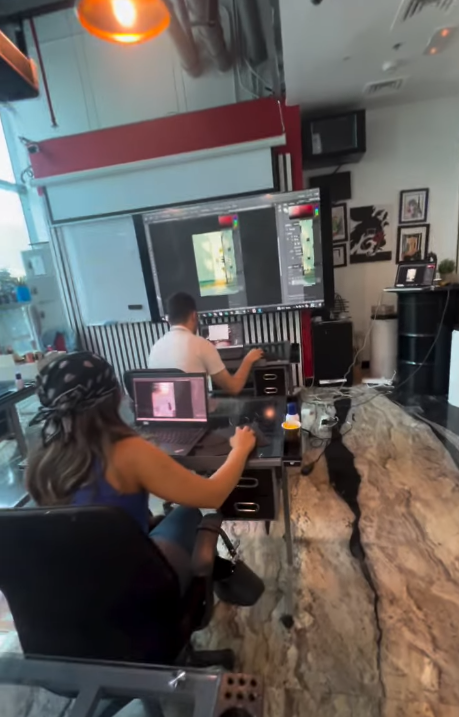
Unlock your creativity and learn the fundamentals of digital design with Adobe Photoshop and Adobe Illustrator. This course is designed for students, aspiring designers, and creative enthusiasts who want to develop essential skills in image editing, graphic design, and vector illustration.
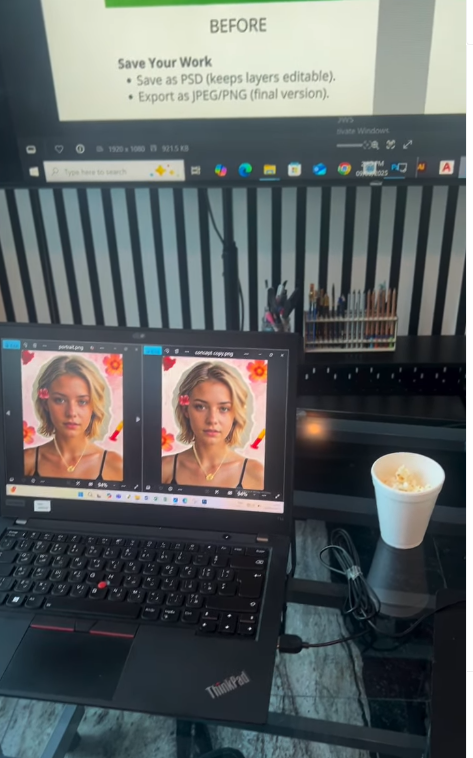
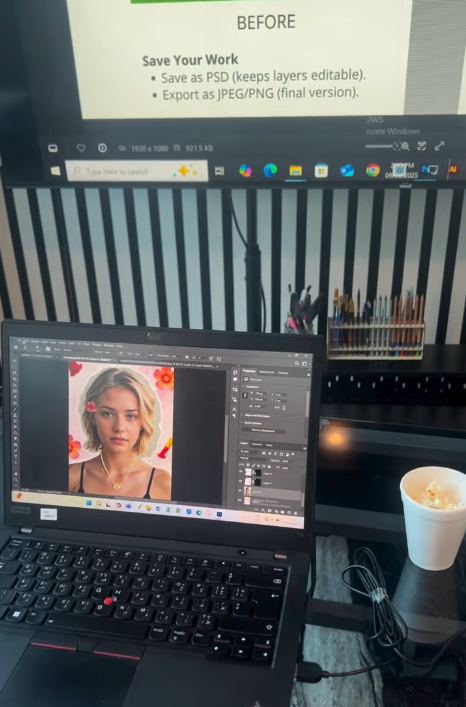
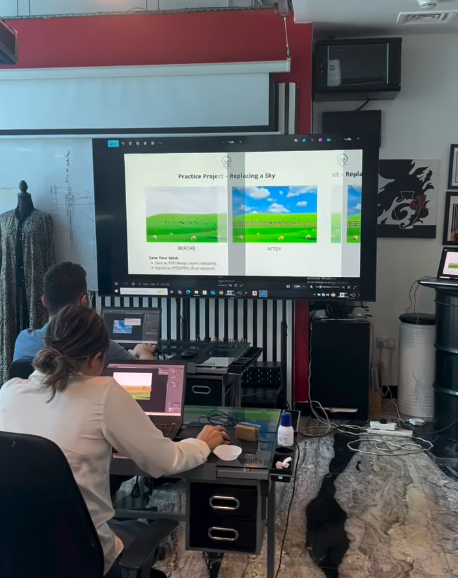
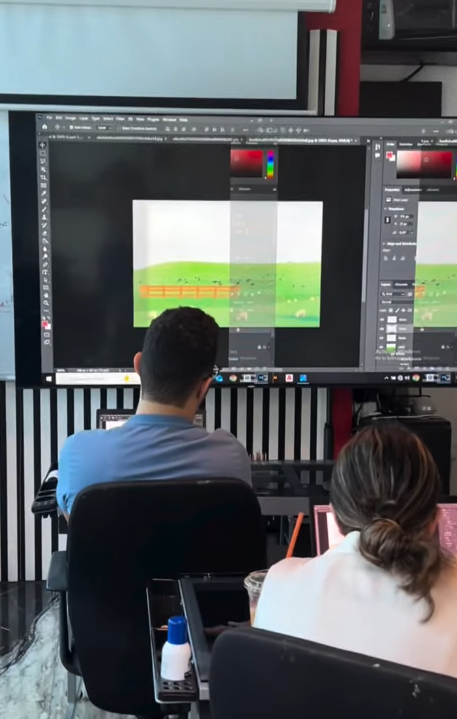
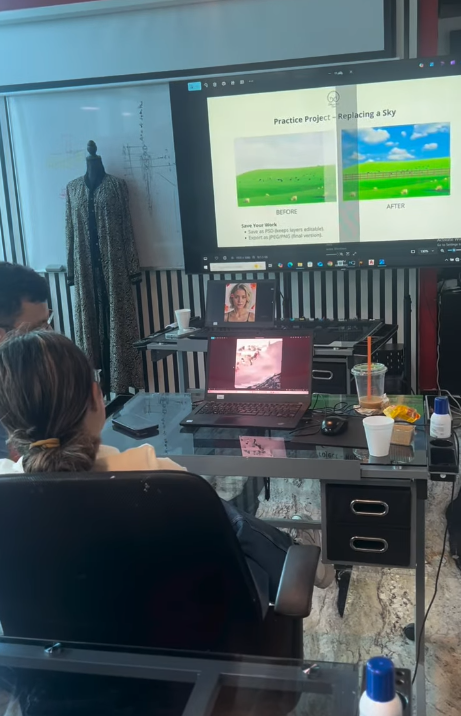
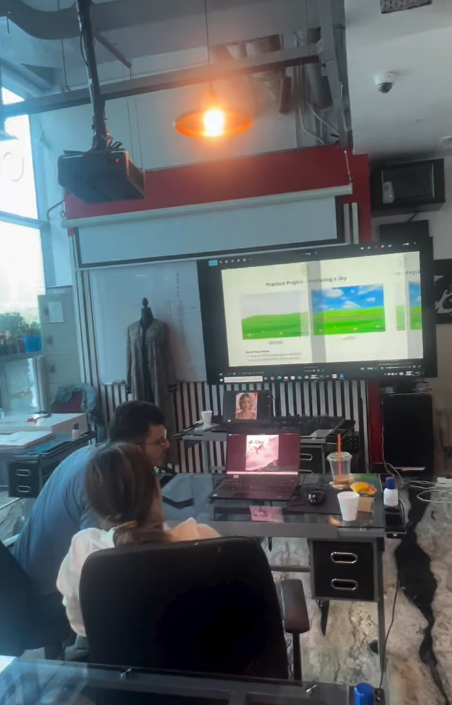
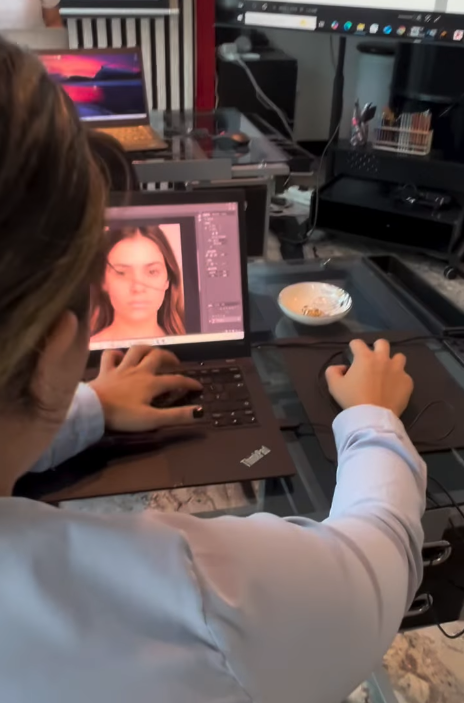
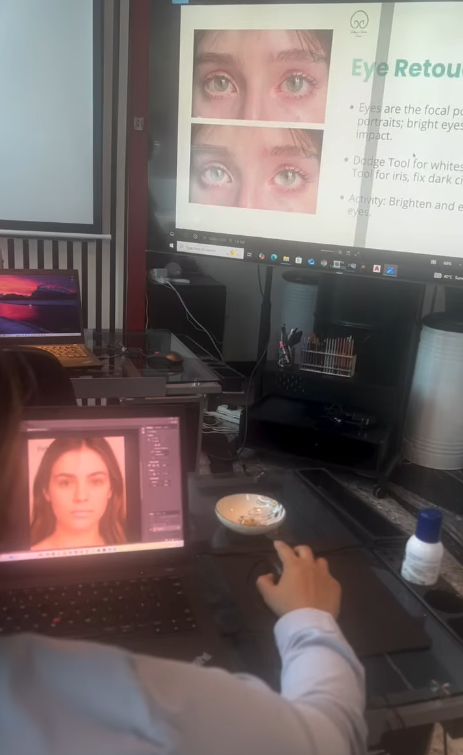
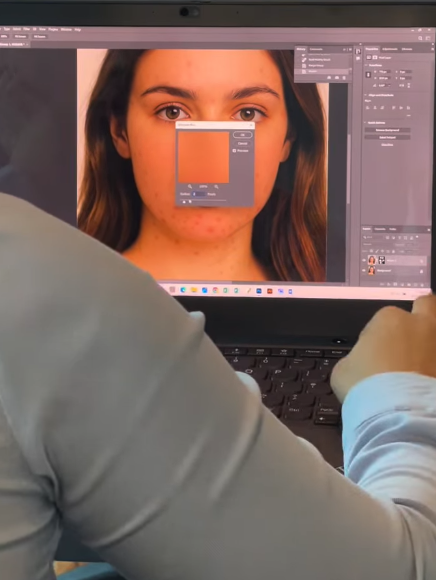
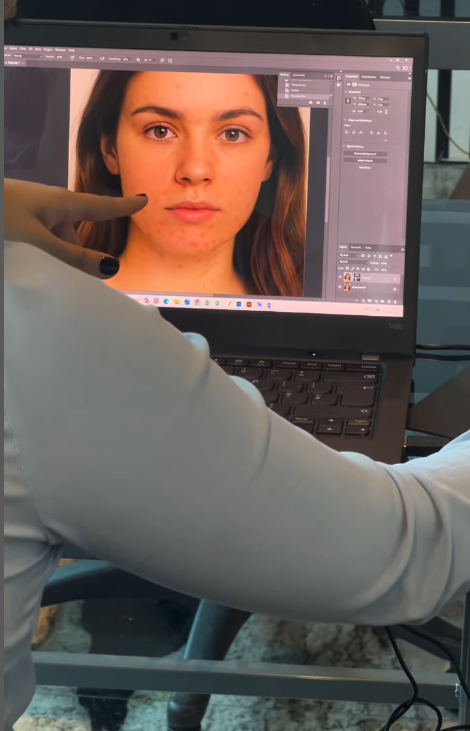
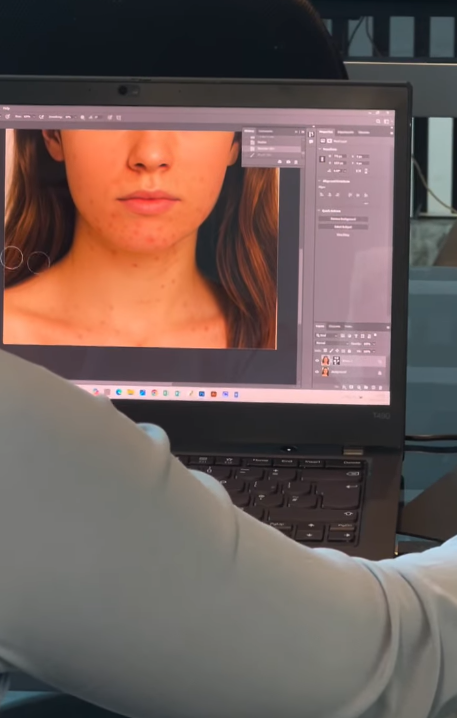
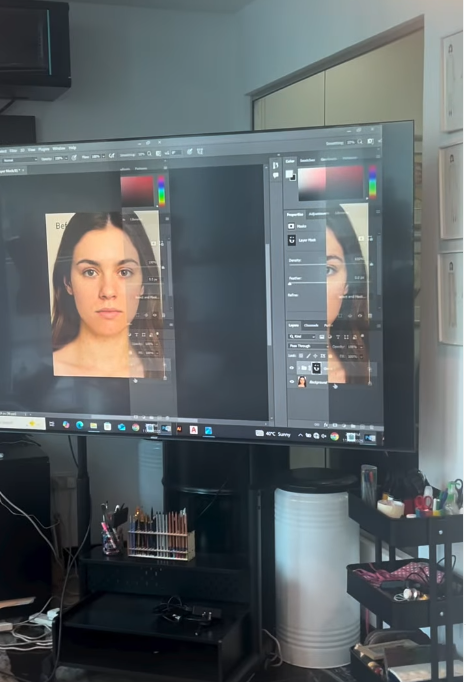
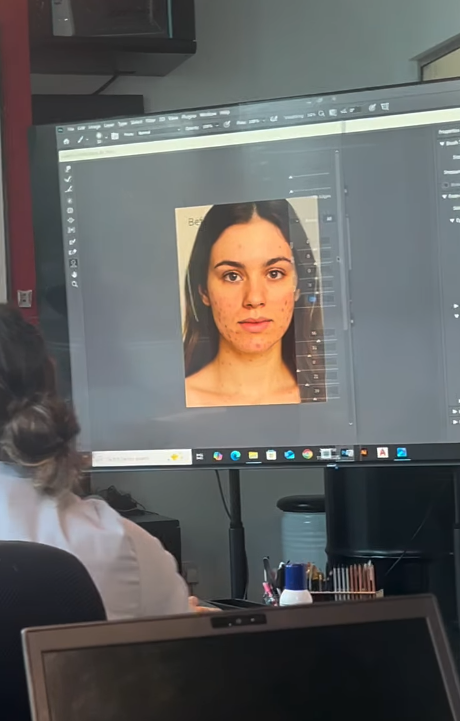
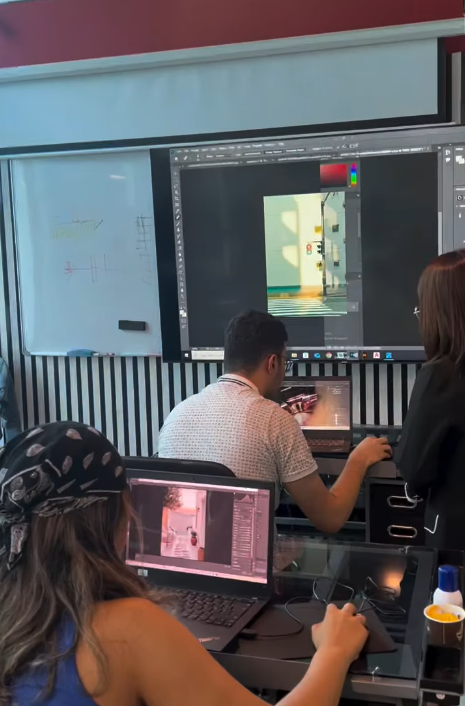
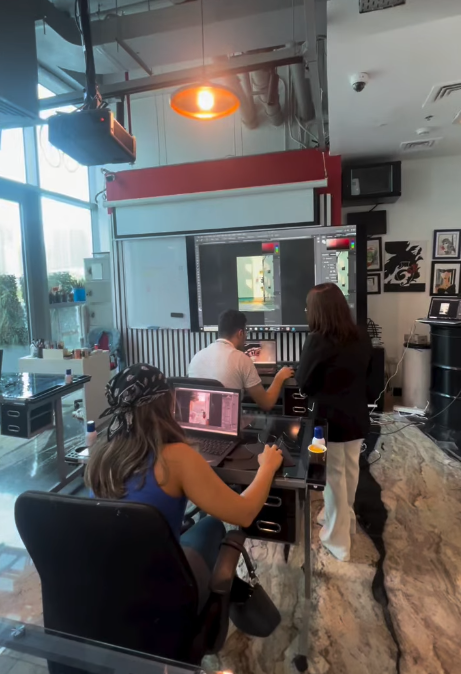
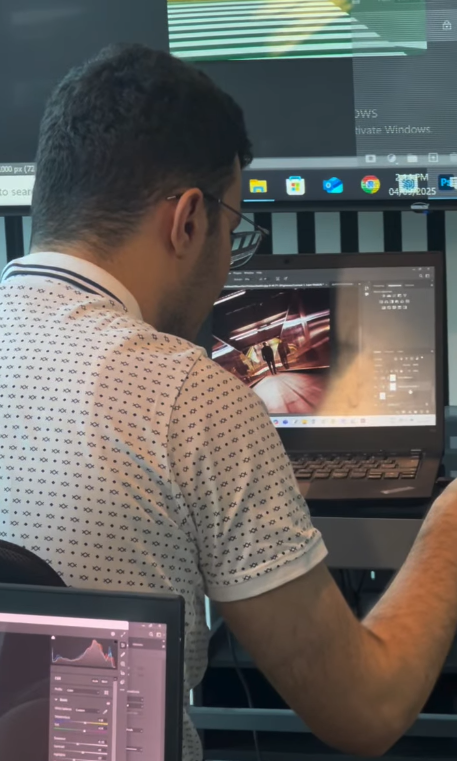
Students will start by learning the basics of Adobe Photoshop, including photo editing, color correction, retouching, layer management, and creative design techniques. They will create social media graphics, posters, and digital artwork while gaining confidence in using industry-standard design tools.
The course then introduces Adobe Illustrator, where students will learn how to create vector graphics, logos, illustrations, and typography. Through hands-on projects, they will explore shapes, drawing tools, colors, gradients, and branding design while understanding the principles of scalable artwork.
What You'll Learn:
- Introduction to Adobe Photoshop and Adobe Illustrator
- Understanding design tools, panels, and workspaces
- Photo editing, retouching, and image enhancement
- Working with layers, masks, and selections
- Creating posters, social media graphics, and digital artwork
- Drawing and editing vector illustrations
- Using the Pen Tool and shape-building techniques
- Applying colors, gradients, and visual effects
- Typography and logo design fundamentals
- Creating patterns, textures, and branding elements
- Preparing artwork for print and digital platforms
- Exporting and presenting design projects
We have always ongoing sessions, and you can join any batch. Just contact us: 055 578 2280.
Check the Contact Us page; it has all our details. We are located in JLT.