
CLO3D & Adobe Illustrator

  • Description

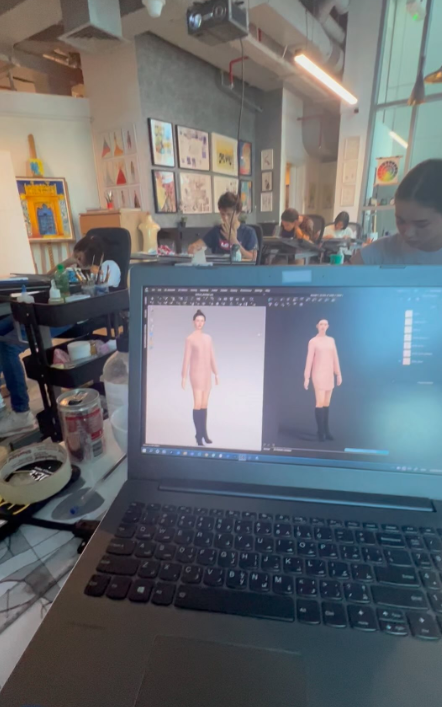
Clo3D Module Module 1: Introduction to CLO3D

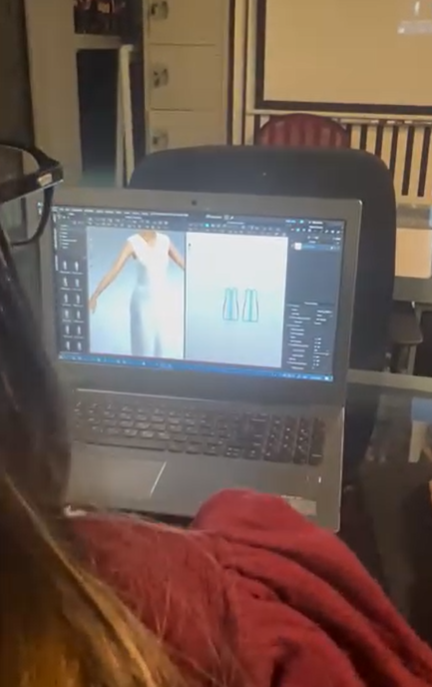
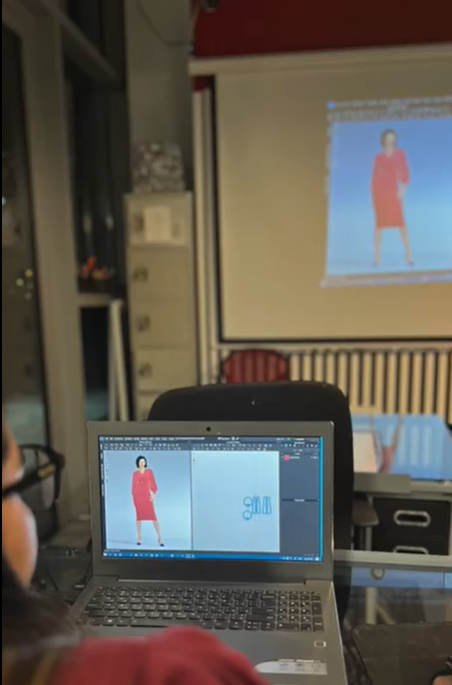
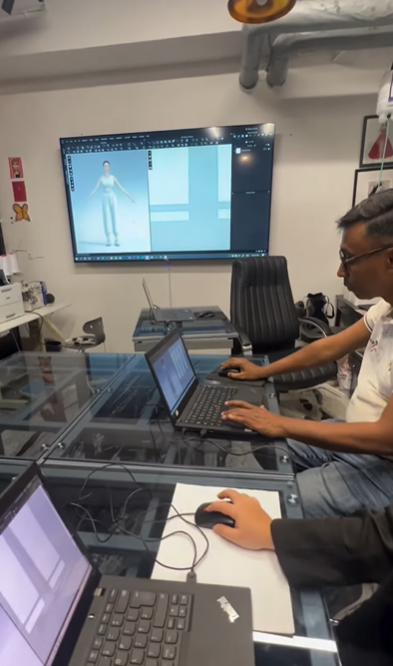
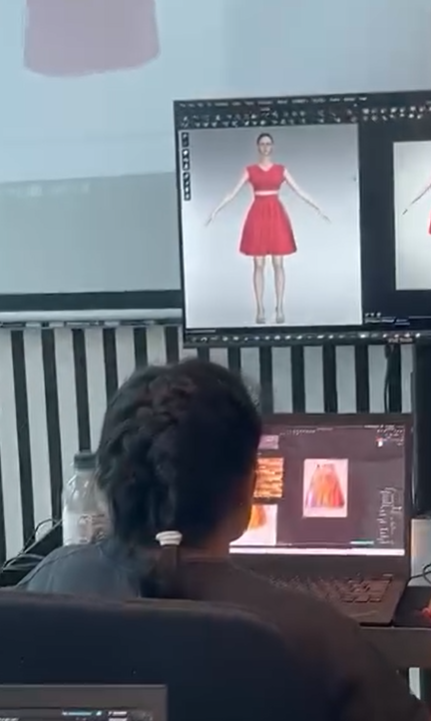
  • Introduction to the CLO3D interface and workspace
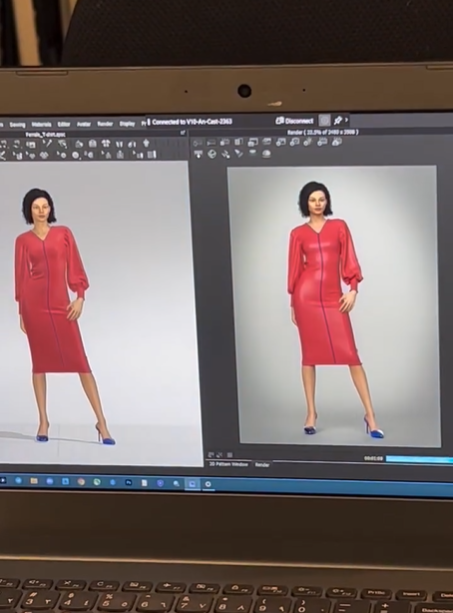
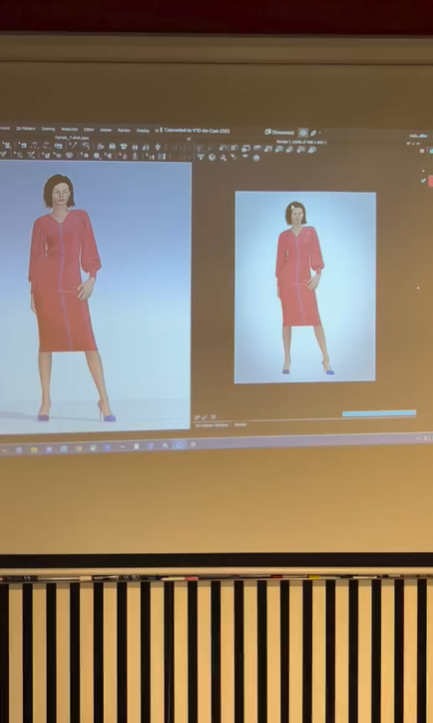
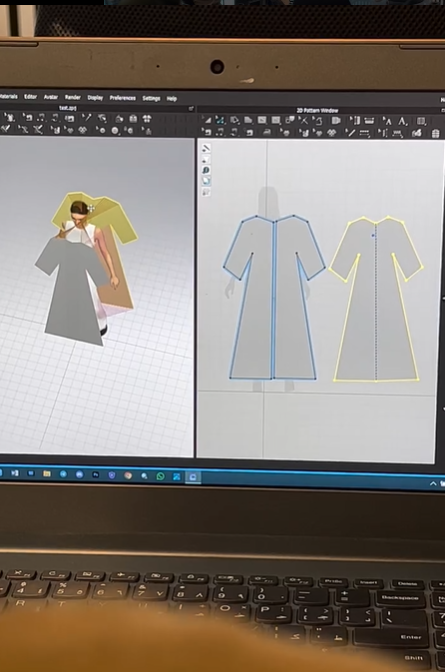
  • Understanding avatars, pattern windows, and garment simulation
  • Navigation and essential tools
  • Basic garment workflow
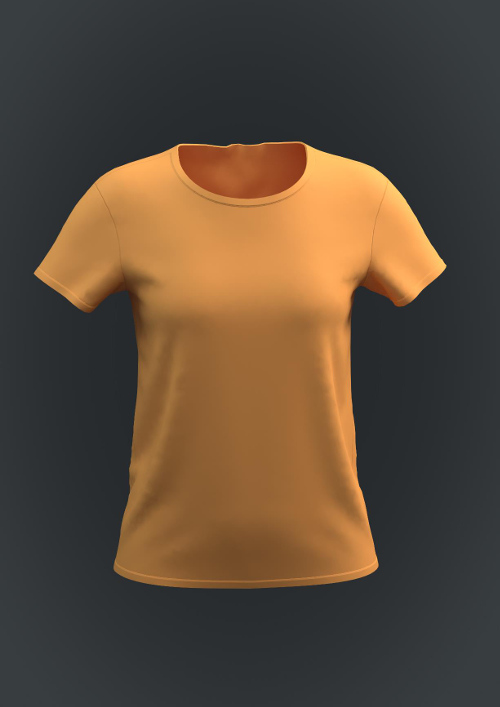
Module 2: Designing a Simple Top
  • Creating basic patterns
  • Sewing and assembling garment pieces
  • Adjusting fit and silhouette
  • Applying fabrics and colors
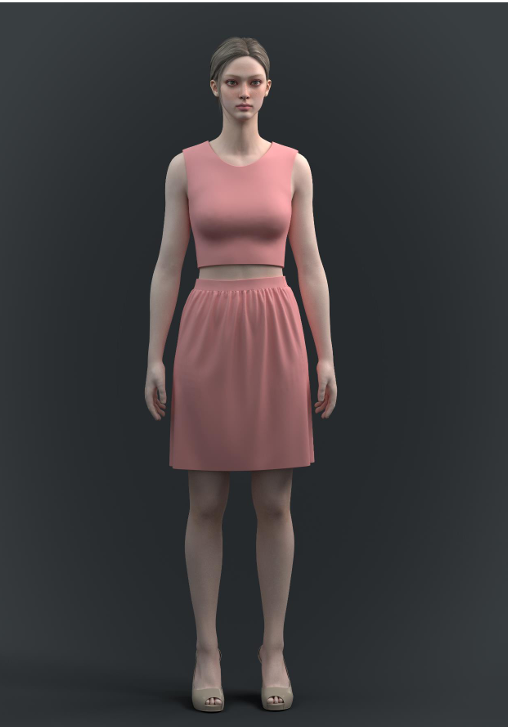
Module 3: Designing a Simple Skirt
  • Creating skirt patterns
  • Sewing and garment construction
  • Fabric simulation and adjustments
  • Rendering the final design
Module 4: Designing a Shirt and Sleeves
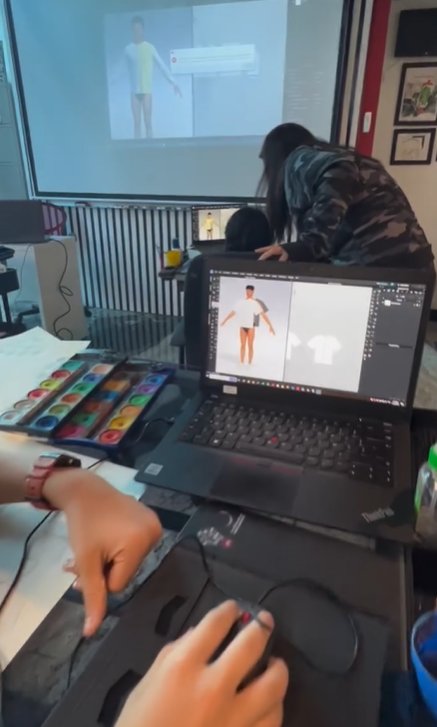
  • Creating a basic shirt
  • Understanding sleeve construction
  • Attaching sleeves to garments
  • Modifying sleeve shapes and lengths
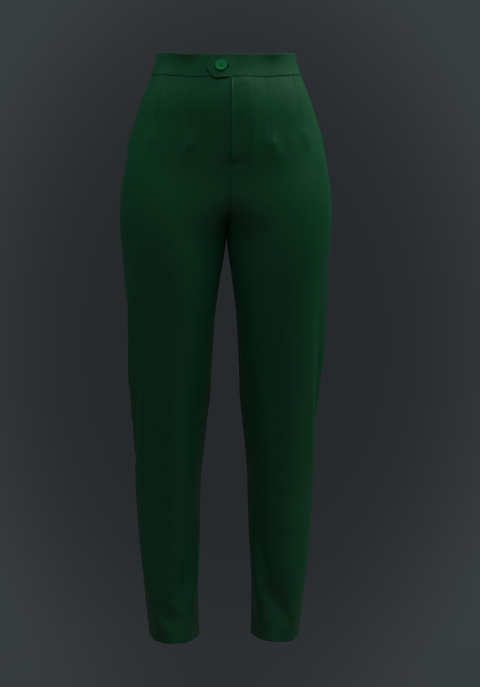
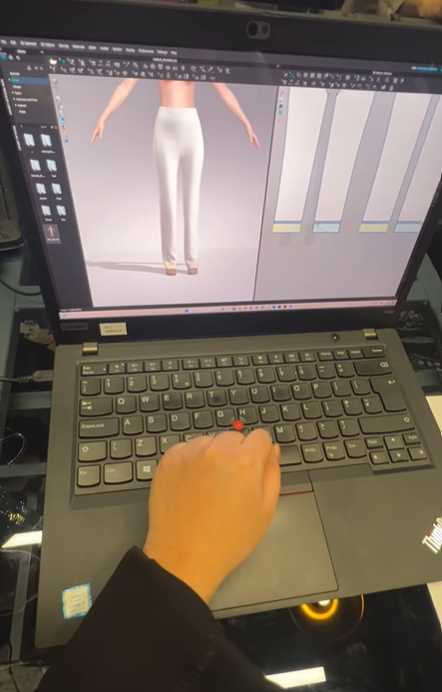
Module 5: Designing Simple Pants
  • Introduction to pant construction
  • Creating front and back pattern pieces
  • Sewing and fitting adjustments
  • Garment styling and rendering
Module 6: Designing a Top and Bottom Set
  • Creating coordinated garments
  • Pattern editing and garment construction
  • Fabric and color coordination
  • Styling complete outfits
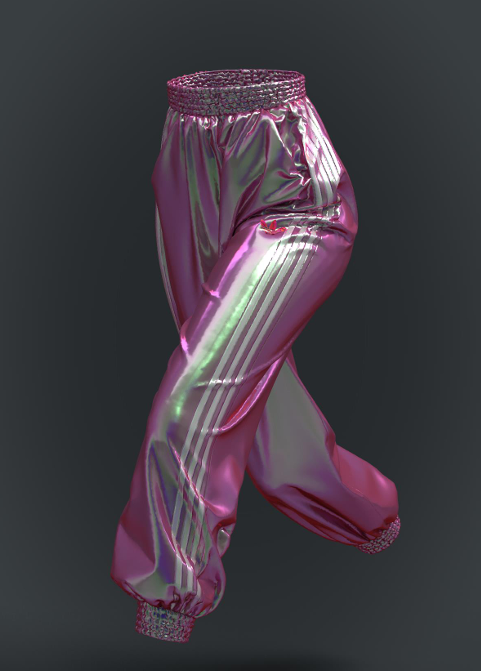
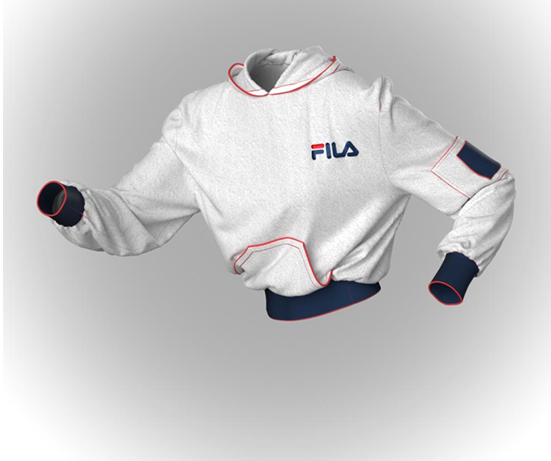
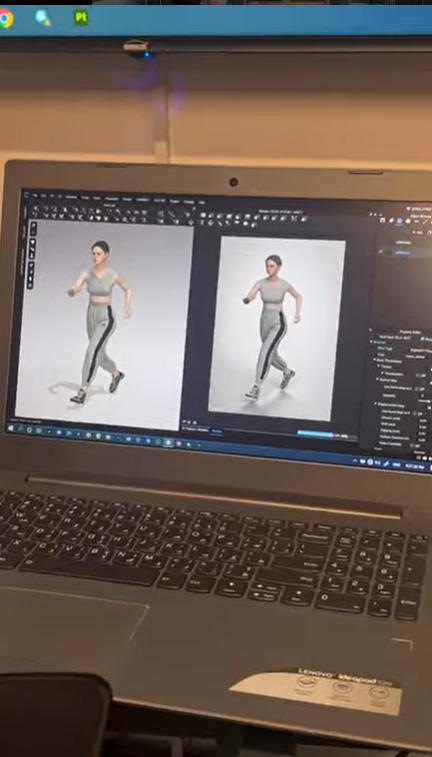
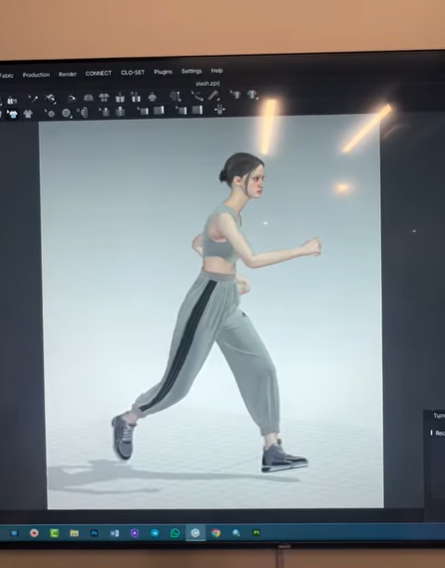
Module 7: Designing Sports Pants with Top
  • Sportswear pattern development
  • Creating sports pants
  • Designing a matching sports top
  • Fitting and garment refinement
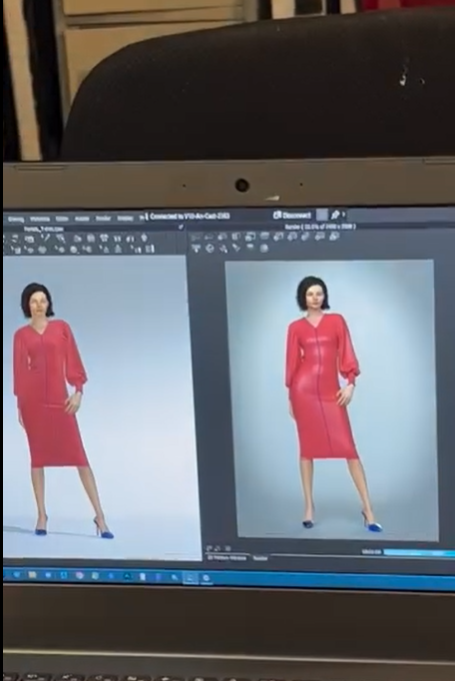
Module 8: Designing a Dress
  • Understanding dress construction
  • Creating dress patterns
  • Silhouette and fit adjustments
  • Styling and presentation
Module 9: Fabric, Materials & Garment Details
  • Applying different fabric types
  • Fabric properties and simulation settings
Module 10: Final CLO3D Project
  • Developing a complete garment design
  • Final project review
  Adobe Illustrator Module Module 11: Introduction to Adobe Illustrator
  • Course overview and setup
  • Illustrator interface and workspace
  • Artboards, panels, and file management
  • Introduction to vector graphics
Module 12: Drawing Tools & Vector Design
  • Pen Tool, Pencil Tool, and Shape Tools
  • Layers, Align, and Pathfinder functions
  • Creating and editing vector artwork
  • Organizing design files
Module 13: Color Fundamentals & Fashion Motifs
  • Color modes and color theory basics
  • Swatches and global colors
  • Building fashion color palettes
  • Creating textile motifs
Module 14: Introduction to Textile Pattern Design
  • Understanding pattern repeat concepts
  • Block, Half-Drop, Brick, and Mirror repeats
  • Preparing motifs for repeats
  • Pattern planning techniques
Module 15: Creating Seamless Repeat Patterns
  • Building seamless repeat tiles
  • Testing repeat layouts
  • Adjusting spacing and alignment
  • Pattern refinement
Module 16: Pattern Options Panel
  • Editing pattern settings
Module 17: Half-Drop, Brick & Mirror Repeats
  • Building repeat systems
  • Creating repeat layouts
Module 18: Scaling, Rotation & Pattern Variation
  • Scaling and rotating motifs
  • Using Transform tools
  • Working with Symbols and Scatter Brushes
  • Creating rhythm and movement
Module 19: Pattern Collections
  • Pattern layering techniques
  • Coordinating multiple pattern designs
  • Developing a textile collection
  • Presentation and organization
Module 20: Final Illustrator Project
  • Creating a pattern collection
  • Presentation techniques
  • Final project review
 

Image Content

We have always ongoing session and you can join any batch. Just contact us: 055 578 2280.
Check the Contact Us page it has all our details. We are located in JLT.
  • Price :

    AED 6000

  • Start Date : 20/04/2026
  • Duration : 40 hours
  • Max Availability : 4
  • Difficulty : Beginner
  • Location : Designers Collective Institute
Book Now