

Basic Adobe Illustrator
Description
Adobe Illustrator is a software application for creating drawings, illustrations, and artwork. Illustrator is widely used by graphic designers, web designers, visual artists, and illustrators throughout the world to create high quality artwork. Illustrator includes many sophisticated drawing tools that can reduce the time needed to create illustrations. Adobe Illustrator is used to create a variety of digital and printed images, including cartoons, charts, diagrams, graphs, logos, and illustrations. Illustrator allows a user to import a photograph and use it as a guide to trace an object in the photograph.
Course Outline
Module 1: Introduction to Illustrator & Workspace
- Understanding the interface and tools
- Working with artboards and panels
- Navigation and essential shortcuts
Module 2: Shapes & Basic Drawing
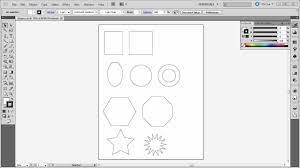
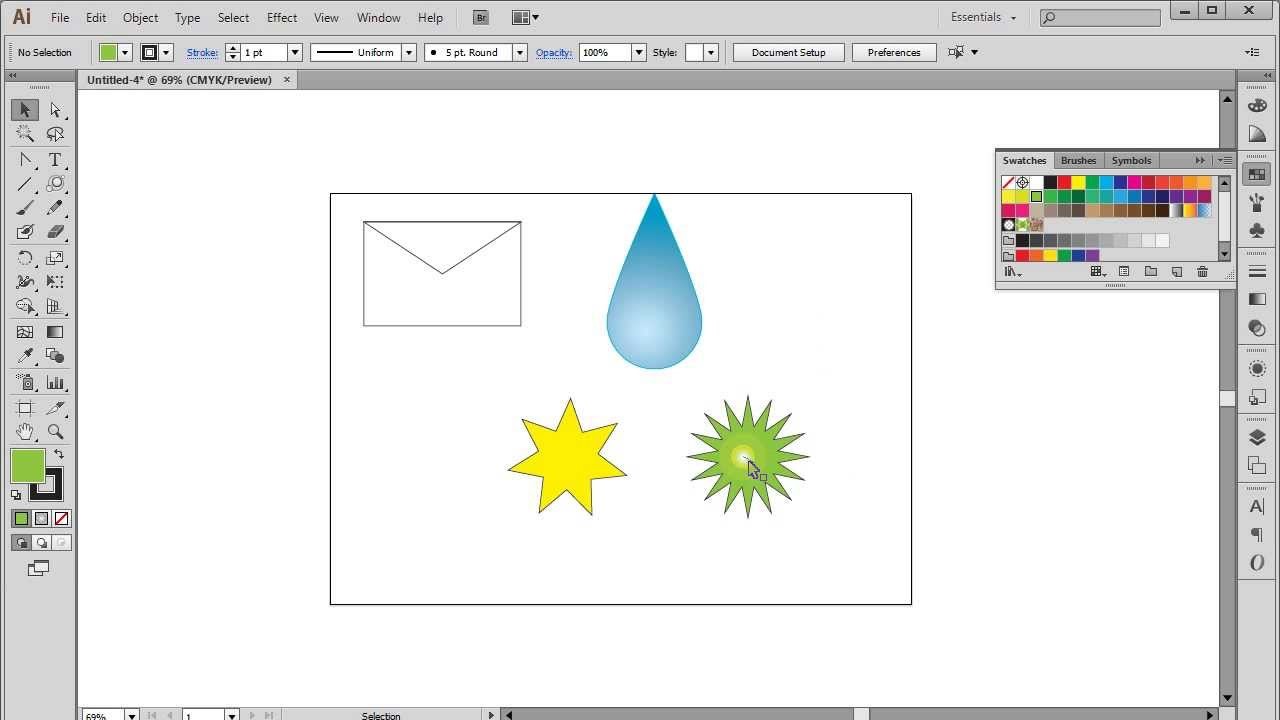
- Creating and modifying shapes
- Using Shape Builder and Pathfinder tools
- Aligning and organizing objects
Module 3: Pen Tool & Vector Illustration
- Mastering the Pen Tool
- Drawing custom shapes and paths
- Working with anchor points and curves
Module 4: Color, Gradients & Appearance
- Applying fills, strokes, and gradients
- Creating color palettes
- Using the Appearance panel and effects
Module 5: Typography & Layout Design
- Adding and formatting text
- Working with type creatively
- Designing posters and simple layouts
Module 6: Logo Design & Creative Projects
- Principles of logo design
- Creating vector logos and icons
- Developing small branding projects


We have always ongoing session and you can join any batch. Just contact us: 055 578 2280.
Check the Contact Us page it has all our details. We are located in JLT.