

Portfolio for Basic Adobe Illustrator
Description
Course Description: This course introduces students to the powerful tools of Adobe Illustrator while guiding them in building creative design portfolio. Perfect for aspiring graphic designers, illustrators, fashion creatives, or anyone entering the design world, this course focuses on developing visual communication skills, layout design, and personal branding through hands-on projects. Course Outline: Lesson 1: Introduction to Portfolios & Illustrator Tools
- What is a creative portfolio?
- Overview of Illustrator interface and basic tools
- Creating artboards and setting up portfolio dimensions
- Inspiration board: Exploring design styles and layouts
- Choosing fonts and creating clean titles/subheadings
- Using alignment, grids, and white space effectively
- Designing a custom name/logo for your personal brand
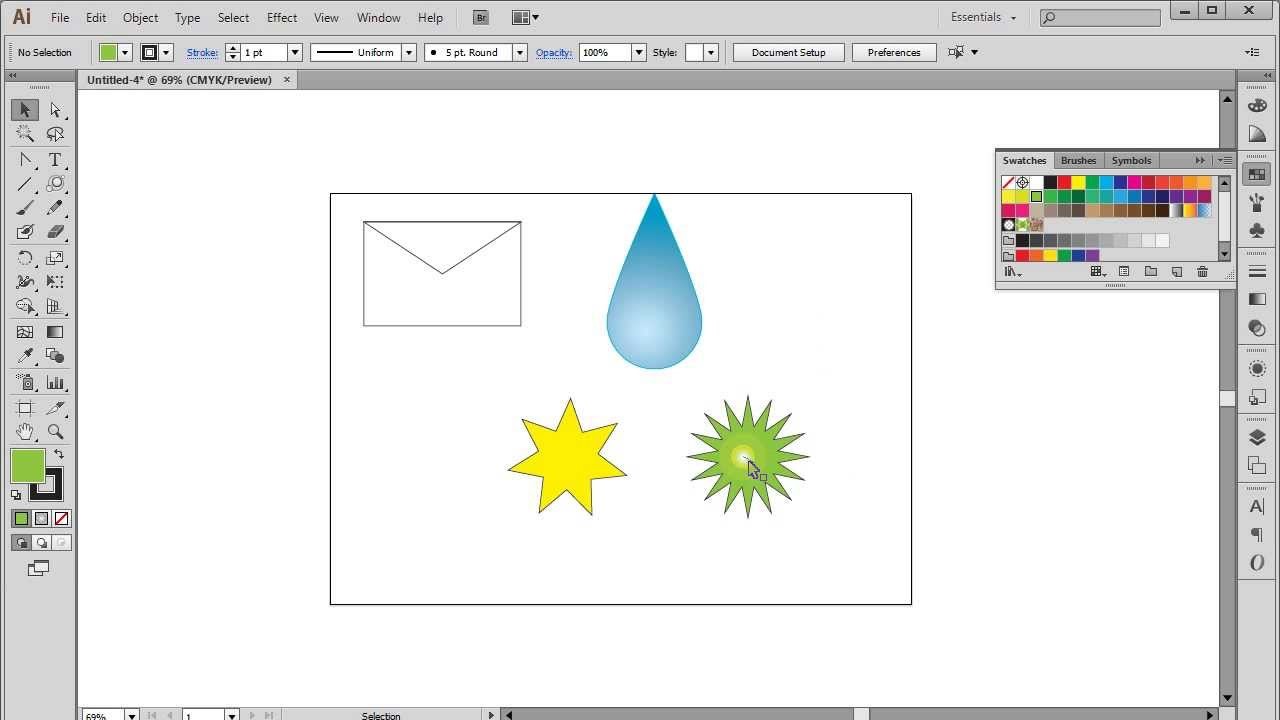
- Drawing basic shapes and icons
- Designing custom vector graphics for your projects
- Applying colors, gradients, and swatches
- Importing and organizing work into layouts
- Labeling artwork with project titles and descriptions
- Using clipping masks, frames, and creative backgrounds
- Designing a cover page and about-me section
- Reflecting your unique design voice and personality


We have always ongoing session and you can join any batch. Just contact us: 055 578 2280.
Check the Contact Us page it has all our details. We are located in JLT.