
Pattern Making with Illustrator
Description
Duration:
- 40 hours
- Basic computer skills. No prior Illustrator experience required.
- A cohesive pattern collection (3 related patterns) + presentation mockups (repeat swatches applied to a garment or surface).
- Course overview, outcomes, install/check Illustrator, interface tour
- Pen, Pencil, Shape tools, Pathfinder, Layers, Align.
- Draw motifs (leaf, simple flower) using shapes + pen. Use Layers for organization.
- Color modes,, swatches, global colors, gradients.
- In-class: Build a 6-color palette, create global swatches. Apply to motifs.
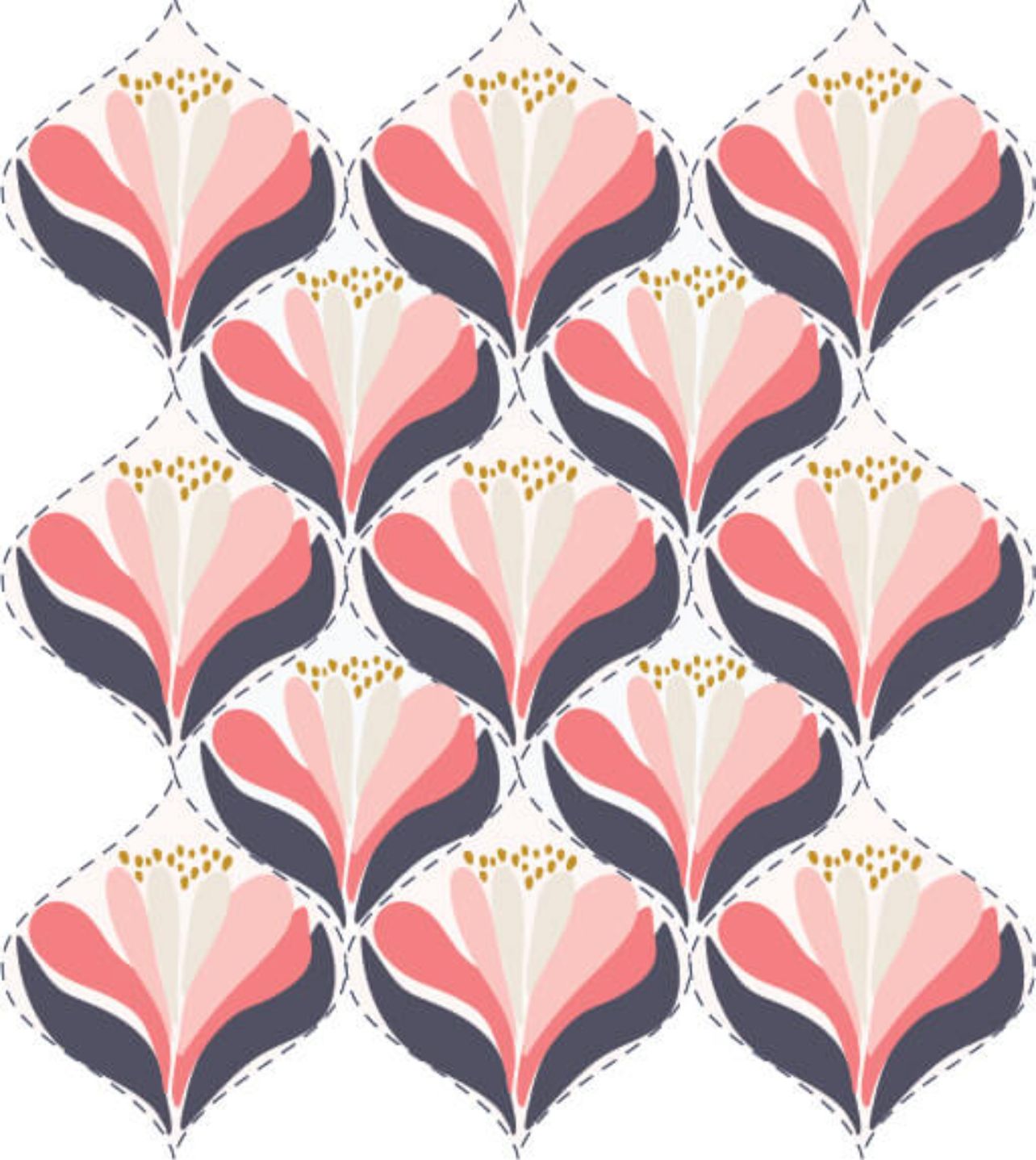
- Understand tiling, repeat types: basic (block), half-drop, brick, mirror.
- Demonstrate a 1×1 block repeat manually.
- Make seamless repeat using Artboard + Transform/Move + Offset Path technique.
- Step through making a seamless tile. Test by duplicating tile.
- Use Object → Pattern → Make; Pattern Options, tile types.
- Create patterns with Pattern Options; experiment with spacing & overlap.
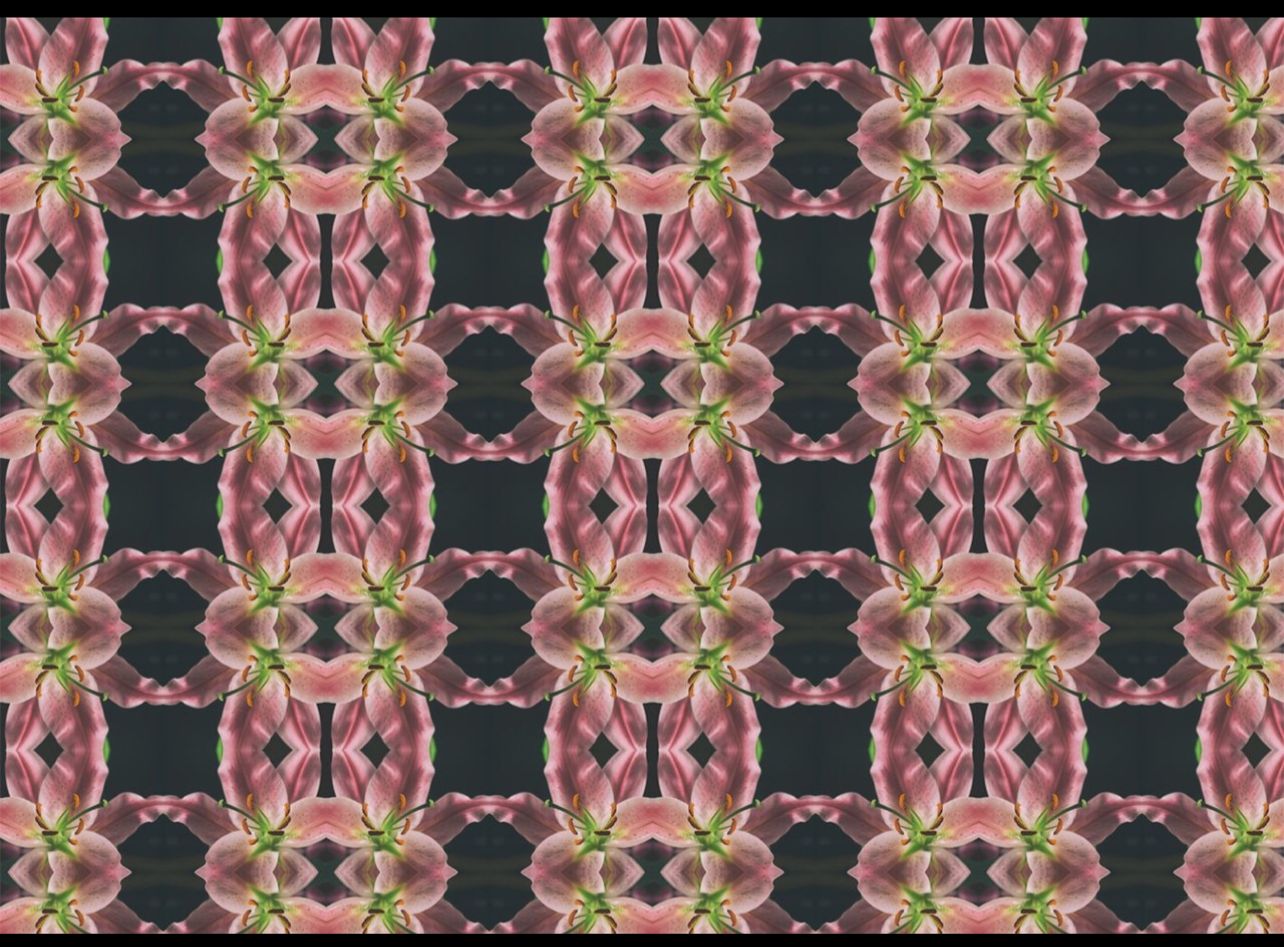
- Build half-drop and mirror repeats, control registration.
- Make half-drop and mirror tiles and preview on a large artboard
- Use Transform, Symbols, Scatter brushes, and pattern layering to create rhythm.
- Create pattern with rotated/scaled motif variations and opacity variation.
- Live Trace/ Image Trace, cleaning paths, simplifying.
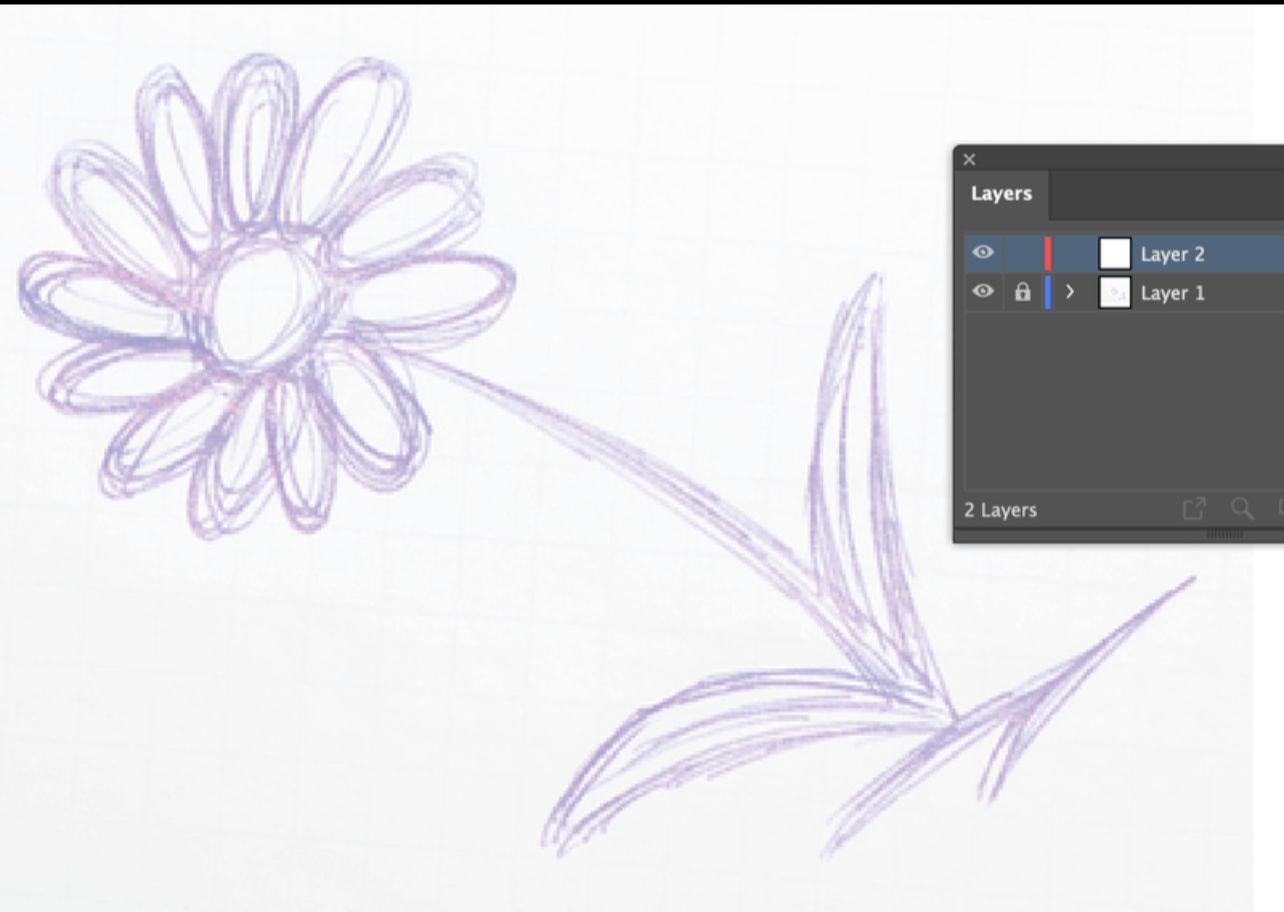
- Trace a hand sketch/photo and clean it for repeat use.
- Overlapping motifs, use of transparency & blending modes, compound paths.
- Design a layered repeat where motifs overlap and punch through.
- Scale relationships, pattern repeat size for garments vs. homeware.
- Produce scale charts and test patterns on artboards sized for swatches.
- Recolor Artwork tool, Edit → Edit Colors, create colorway swatches.
- Recolor an existing pattern into 4 colorways (print-friendly & fashion).
- Add texture (grain, paper) using opacity masks, raster overlays.
- Create subtle fabric texture overlays and apply as opacity masks in patterns.
- Check repeats for seams, export settings for print & digital. Bleeds and margins.
- seam test, color mode, DPI for raster elements. Export sample repeats.
- Apply patterns to mockups: repeat swatches on garments, cushions, wallpaper.
- Use mockup templates
- Develop three related patterns (small, medium, large) forming a collection.
- Plan collection theme, assign motifs, palettes. Start building set.
- Understand technical constraints: directional prints, nap, one-way prints.
- Make directional pattern and explain how to set up for cutting/layout.
- Create spec sheets: pattern name, scale, repeat size (cm/in), color codes, file types.
- How to present patterns in portfolio; peer critique session.
- Each student gives 5-minute presentation of their collection; group feedback.
- Final project submission, grading, next steps (selling, print-on-demand, licensing).
- Submit files, run quick retrospective, show export checklist. Award completion and give resources for further learning.