
AutoCAD Basics for Architecture
Description
Course Description:
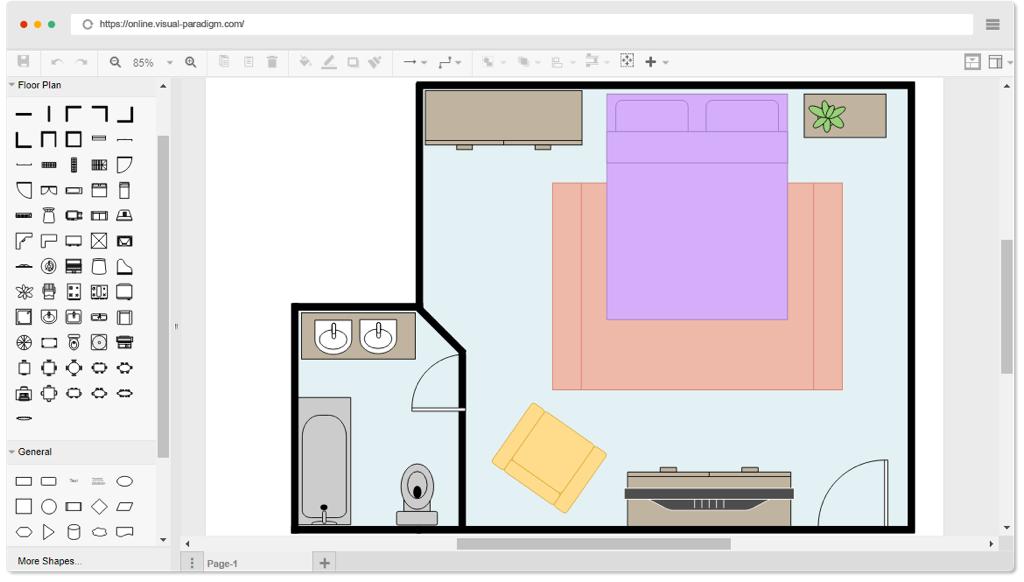
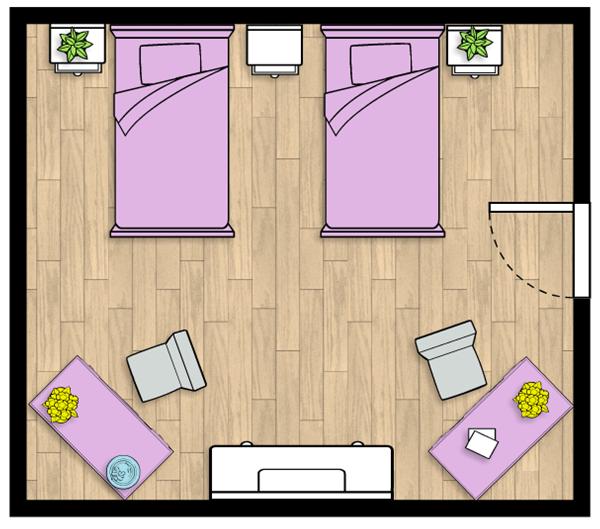
This course is designed for students and aspiring architects eager to learn the foundational skills of AutoCAD for architectural design. The course introduces the essential tools and techniques used to draft 2D architectural drawings, such as site plans, floor plans, elevations, and sections. Through guided lessons and practical exercises, students will learn how to set up drawings, apply architectural standards, and prepare outputs. By the end of the course, students will have the confidence to create accurate and presentable architectural drawings.
Course Outline
Module 1: Introduction to AutoCAD for Architecture
-
Exploring AutoCAD’s Interface & Toolsets
-
Navigating the Workspace and Model Space
Module 2: Drafting Basics & Drawing Tools
-
Drawing Lines, Polylines, Arcs, and Circles
-
Drafting with Precision and Best Practices
Module 3: Constructing 2D Floor Plans
-
Drawing Walls, Openings, Doors, and Windows
-
Layer Management for Architectural Elements
-
Using Line Types and Weights for Clarity
Module 4: Site Plans & Space Planning
-
Plotting Room Layouts and Circulation Paths
-
Importing and Placing Title Blocks
Module 5: Developing Elevations
-
Drafting Exterior Elevations with Windows, Doors, and Rooflines
-
Organizing Layers for Elevation Drawings
Module 6: Creating Architectural Sections
-
Showing Interior Finishes
Module 7: Dimensions & Annotations
-
Applying Linear, Aligned, and Angular Dimensions
-
Customizing Text Styles, Labels, and Room Names
Module 8: Working with Symbols & Blocks
-
Inserting Architectural Symbols (Furniture, Fixtures, Doors, Windows)
-
Creating and Editing Custom Blocks
-
Building a Block Library for Future Projects
Module 9: Editing & Modifying Tools
-
Using Trim, Extend, Offset, Mirror, Rotate, and Array Commands
-
Grouping and Editing Multiple Objects Efficiently
Module 10: Layouts, Scaling & Viewports
-
Understanding Model Space vs. Paper Space
-
Creating Layouts for Architectural Sheets
Module 11: Preparing Professional Output
-
Applying Plot Styles for Clean Prints
-
Exporting Drawings as PDF and for Plotting
Module 12: Final Architectural Project
-
Creating a Complete Set: Floor Plan, Elevation, and Section
-
Applying All Tools and Standards Learned in the Course