
Autocad and Sketchup for Architecture Program
Description
Course Description
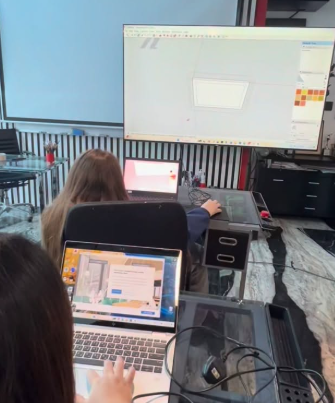
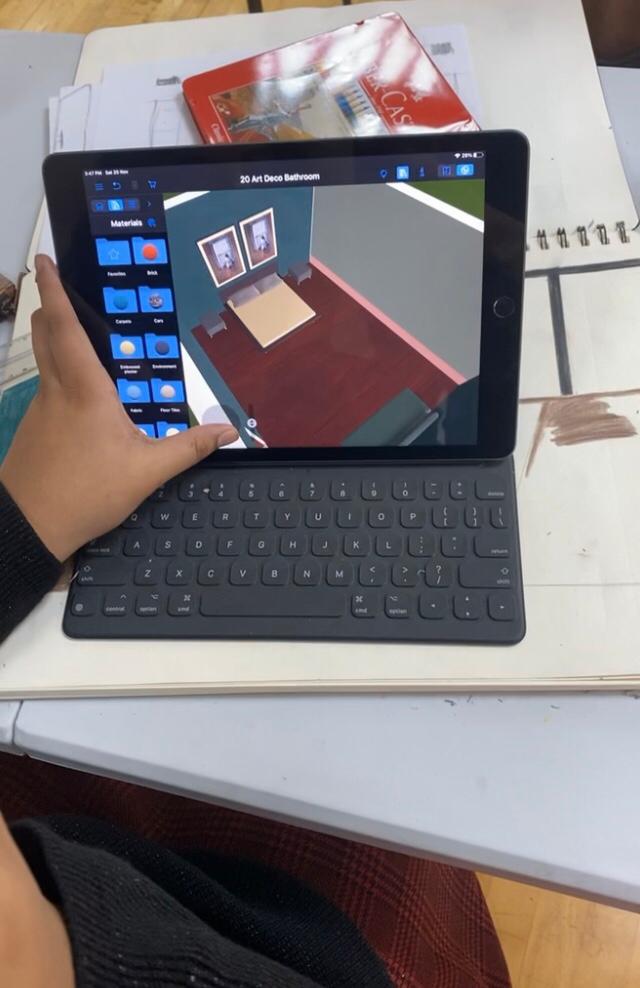
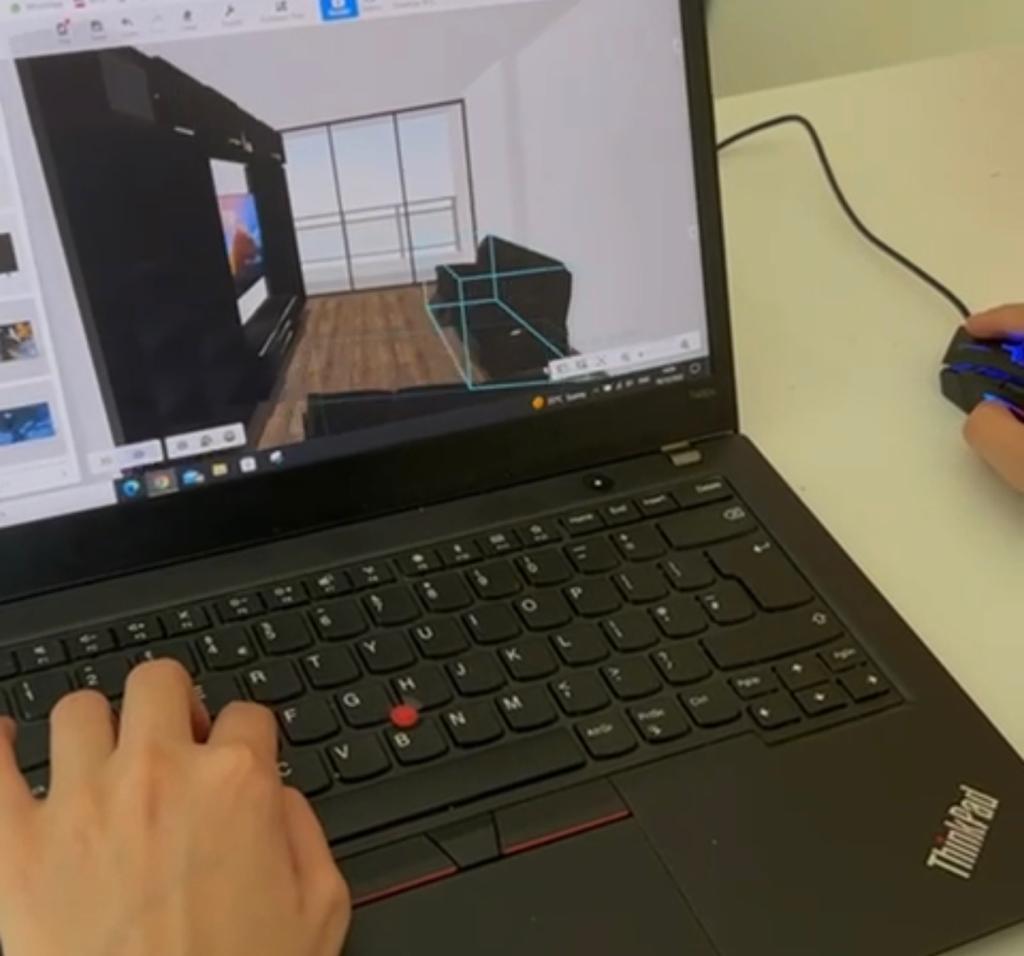
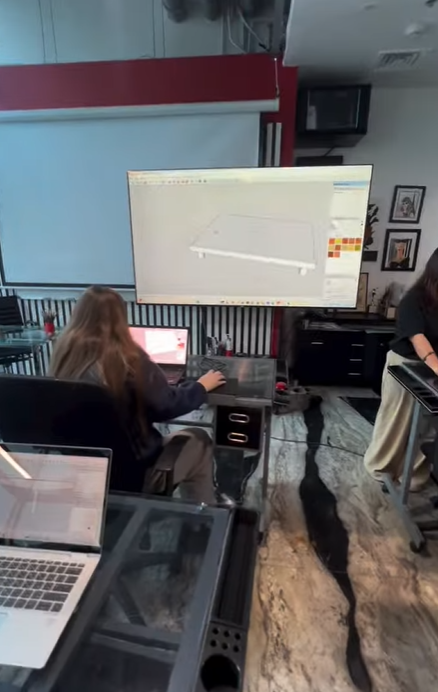
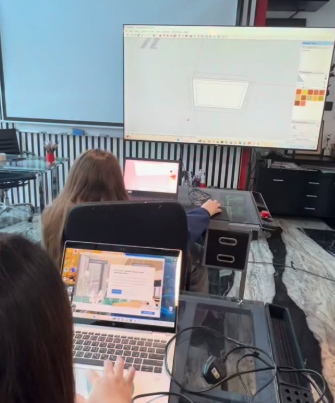
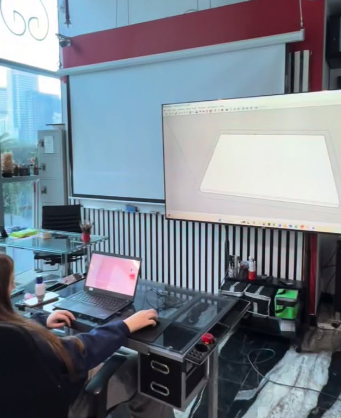
The AutoCAD & SketchUp course is designed to introduce students to the fundamentals of computer-aided design and 3D modeling used in architecture and interior design.
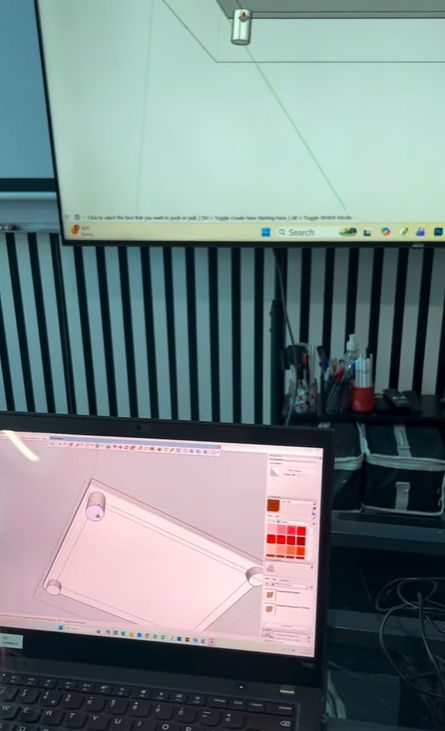
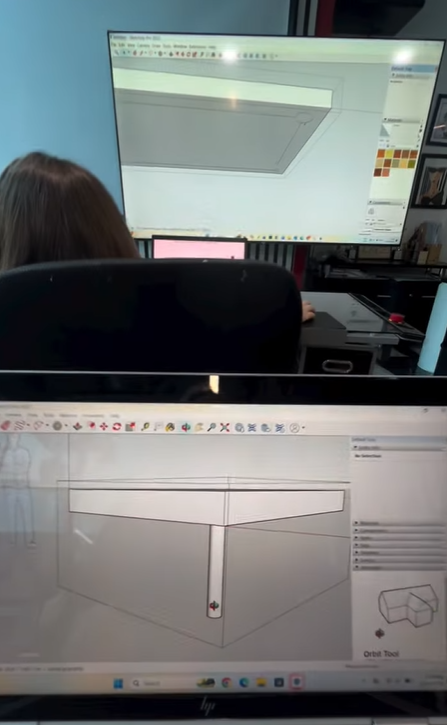
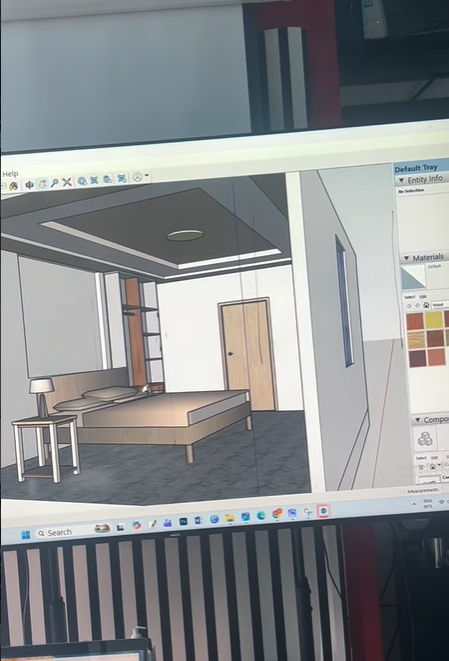
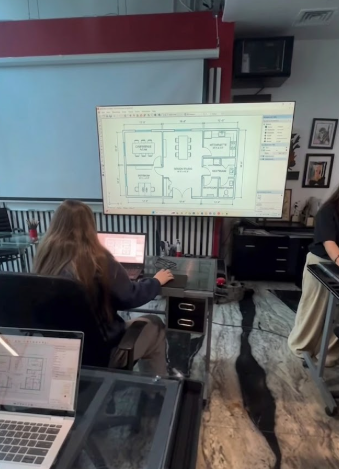
Students learn how to create 2D drawings using AutoCAD and convert them into 3D architectural models using SketchUp.
The course focuses on practical skills, design understanding, and complete project development from plan to 3D model.
Part 1 — AutoCAD
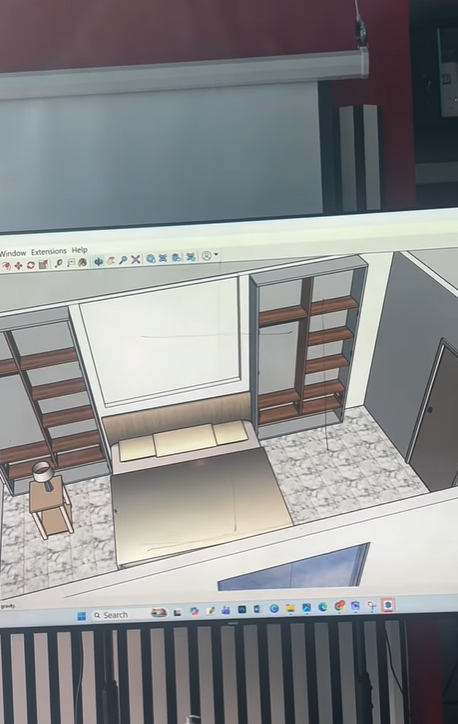
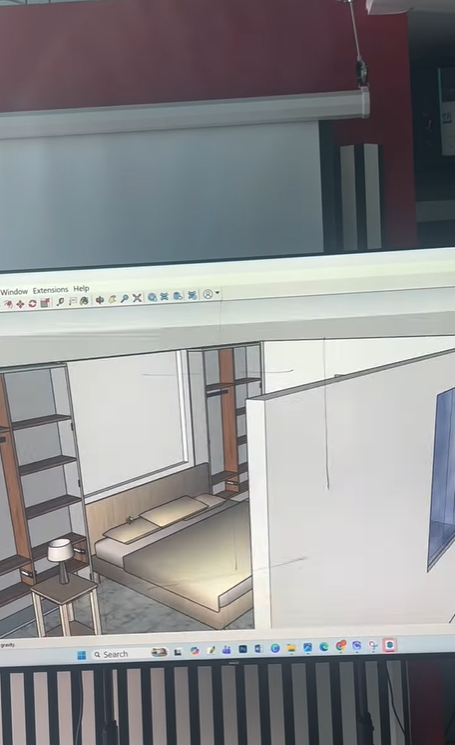
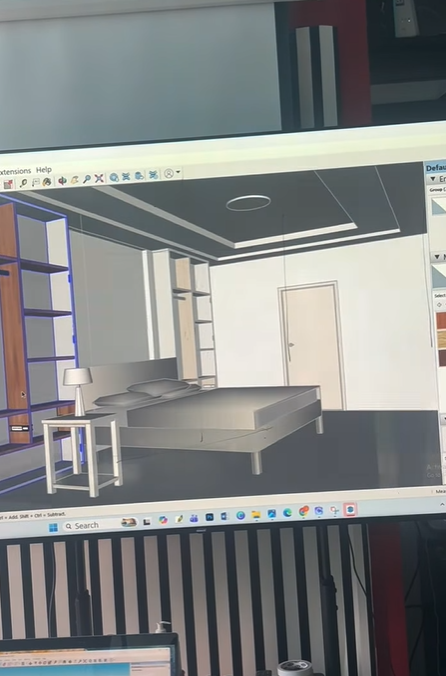
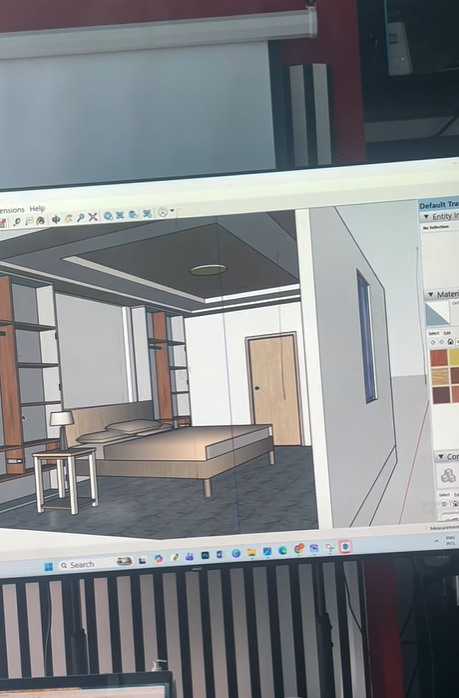
Part 2 — SketchUp
PART 1 — AutoCAD
Module 1 — Introduction to AutoCAD
- Interface overview
- Navigation tools
- Units and workspace setup
- Grid, snap, and coordinates
Module 2 — Basic Drawing Tools
- Line, polyline, circle, arc, rectangle
- Move, copy, rotate, scale
- Trim, extend, offset, mirror
- Practice exercises
Module 3 — Advanced Drawing Tools
- Fillet and chamfer
- Array tool
- Hatch and patterns
- Object snaps and precision drawing
Module 4 — Layers & Properties
- Creating layers
- Colors and line types
- Line weight
- Layer management for plans
Module 5 — Annotation & Dimensions
- Text styles
- Dimensions tools
- Drafting standards basics
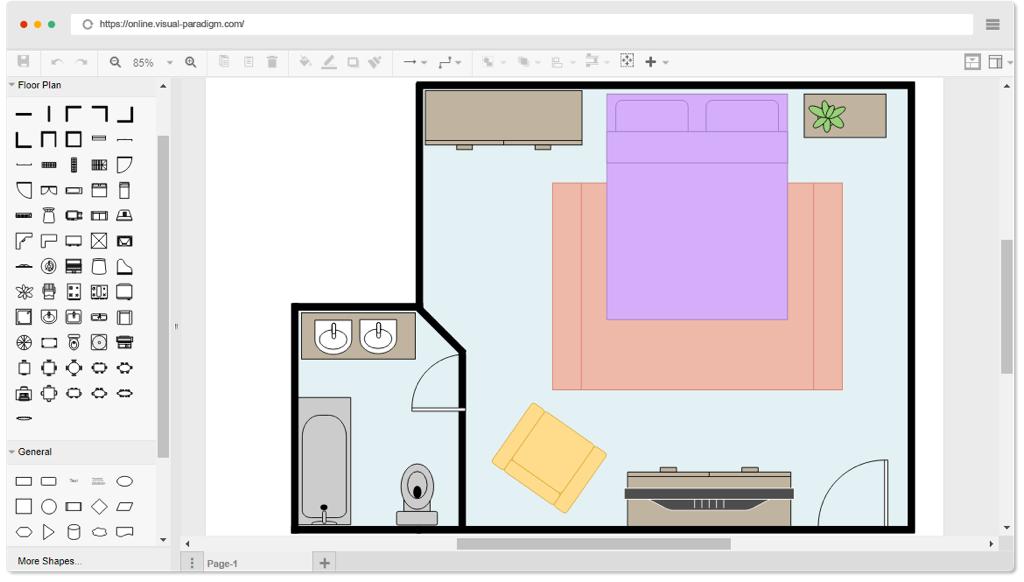
Module 6 — Floor Plan Drawing
- Drawing walls using offset
- Doors and windows
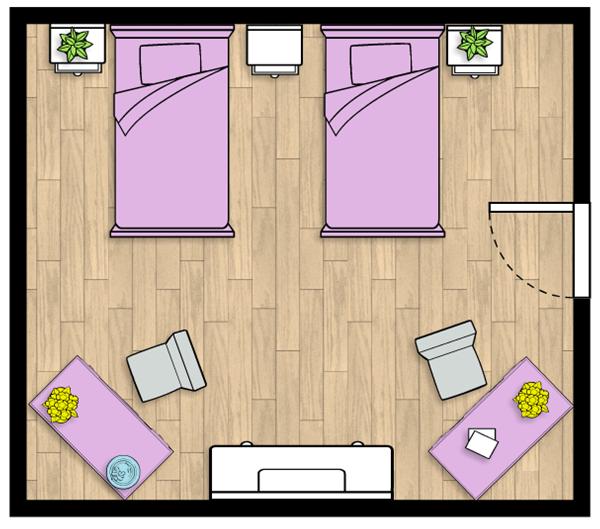
- Furniture layout
Module 7 — Plan Project
- Full room layout
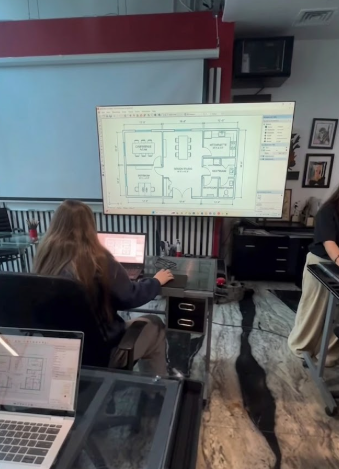
- Multi-room plan
- Adding dimensions
- Organizing layers
- Printing setup
Module 8 — AutoCAD Final Project
- Complete house / apartment plan
- Dimensions and annotations
- Furniture layout
- Plot / print layout
- Export for SketchUp
PART 2 — SketchUp
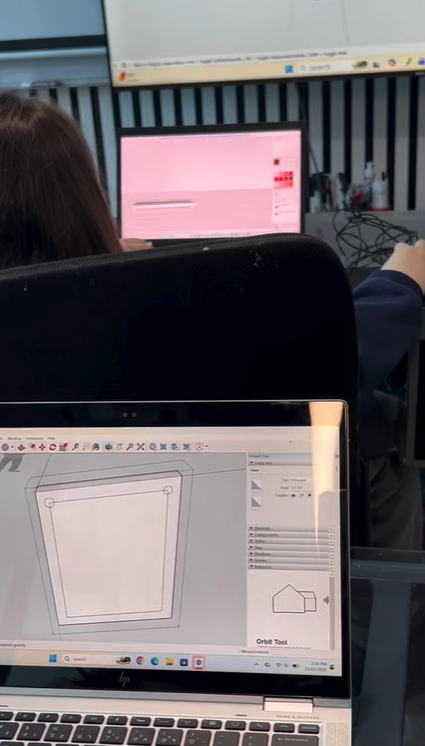
Module 9 — Introduction to SketchUp
- Interface and navigation
- Drawing tools
- Push / Pull tool
- Groups and components
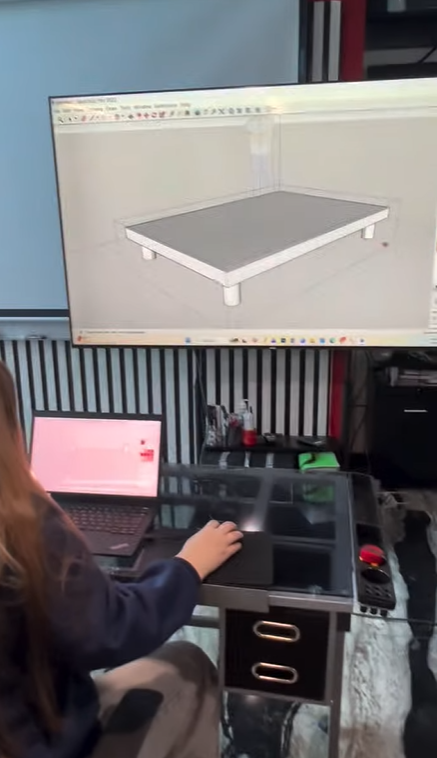
Module 10 — Basic 3D Modeling
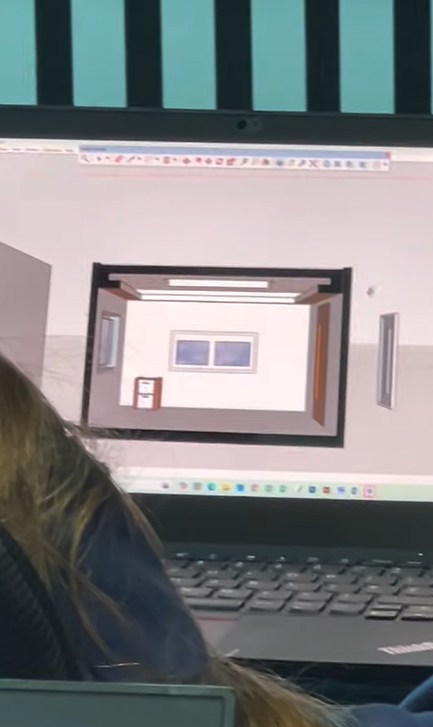
- Creating walls from plan
- Doors and windows
- Floors and ceilings
- Simple furniture
Module 11 — Materials & Components
- Applying colors
- Textures and materials
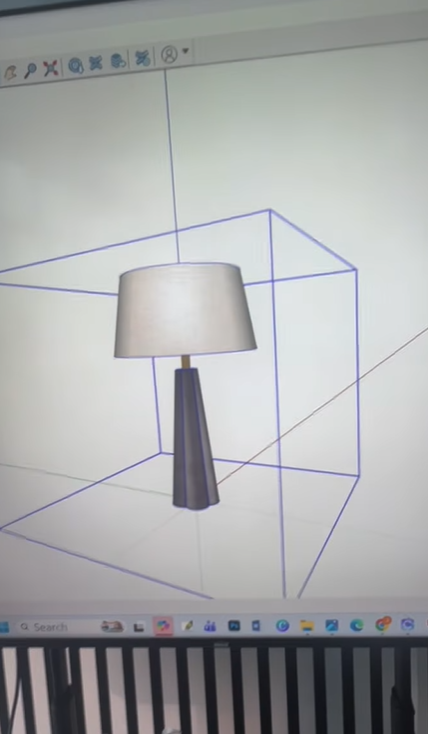
- Importing models
Module 12 — Interior & Exterior Modeling
- Furniture layout
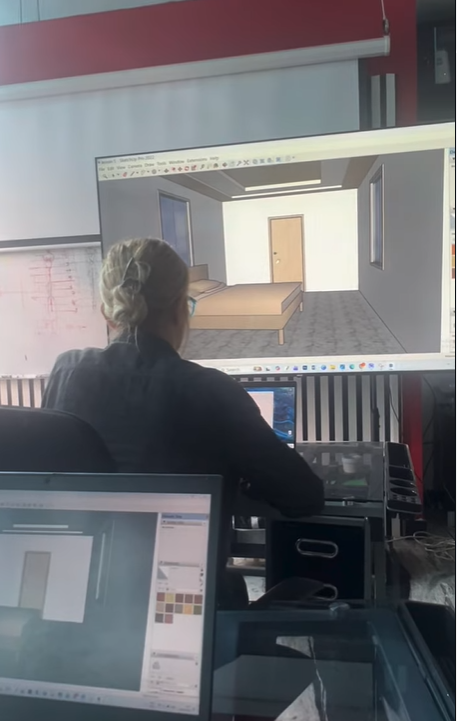
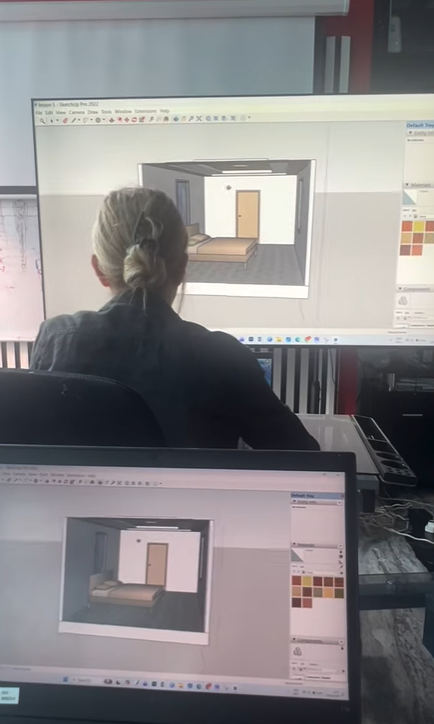
- Interior space modeling
- Exterior walls
- Landscape basics
Module 13 — AutoCAD to SketchUp Workflow
- Export AutoCAD drawing
- Import into SketchUp
- Scale correction
- Build 3D model from 2D plan
Module 14 — Modeling
- Detailed furniture
- Window details
- Scene setup
Module 15 — Final Project
- Create plan in AutoCAD
- Import to SketchUp
- Build full 3D model
- Apply materials
- Presentation views